
 GitHub
 Join our Discord
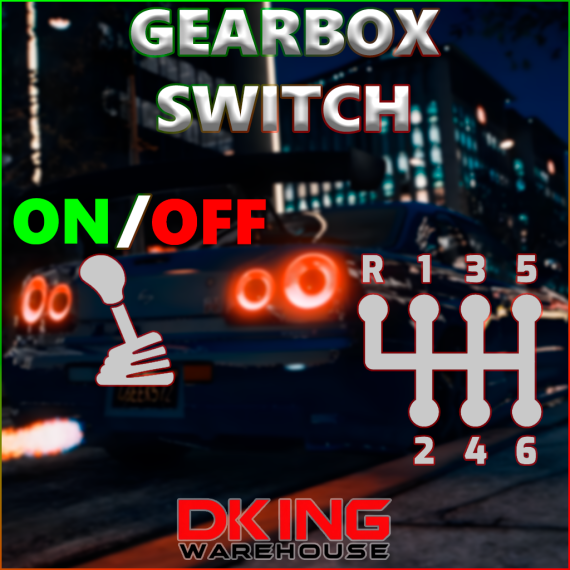
GEARBOX SWITCH [STANDALONE]
DESCRIPTION
Gear shift system that adds clutch or sequential gear shifting mechanics to FiveM, with custom animations and sound effects.
KEY FEATURES
- Manual Transmission
- Seamless switching between automatic and manual transmission
- Support for both sequential and H-pattern shifting
- Customizable gear shifting animations
- High-quality sound effects for each gear change
- Vehicle-Specific Features
- Right-hand drive support with correct animations
- Sequential transmission support for sports/racing vehicles
- Customizable vehicle blacklist
- Different animations for sequential and manual transmissions
- Rich Sound System
- Unique sounds for each gear
- Separate sound sets for sequential and manual transmissions
- Adjustable volume controls
- High-quality audio files
- Developer-Friendly
- Full export system for easy integration
- Comprehensive configuration options
- Clean, well-documented code
- Easy to maintain and extend
TECHNICAL FEATURES
- Optimized performance with minimal resource usage
- Built-in configuration system
- Customizable key bindings
- Easy installation and setup
INTEGRATION
- Full exports system for framework integration
- Easy to integrate
- Compatible with most vehicle mods
- Supports both standalone and framework setups
CONFIGURATION
- Easily customize vehicle lists
- Adjust sound volumes
- Configure key bindings
- Modify animation settings
HOW TO USE
/gearboxcommand or bind (both configurable in config/config.lua) to enable or disable manual gear shifting.- To switch gears use the binds
clutch+GearUpandGearDown, configurable in: Settings > Key Bindings > FiveM.
MODIFICATIONS
### To work, you need to modify the handlings that you want the script to take effect on.
* Add CCarHandlingData in the SubHandlingData section, like this:
<SubHandlingData>
  <Item type="CCarHandlingData">
  </Item>
  <Item type="NULL" />
  <Item type="NULL" />
</SubHandlingData>
DEPENDENCIES
- GameBuild 3095 or higher
- ox_lib (Only for notifys)